TV Safety Straps: How to Anchor Your TV and Prevent Tip-Overs
Furniture tip-overs kill one child every two weeks. Here is how to anchor your TV in under 15 minutes.

On average, every two weeks a child dies from a furniture or TV tip-over in the United States. That number comes directly from the CPSC, and it has remained largely unchanged for over a decade. Simple, affordable solutions exist that can prevent nearly all of these incidents. We provide easy-to-install safety devices that cost less than $10 and take about 15 minutes to set up.
Why TVs Are So Dangerous
The physics behind tip-overs are unforgiving. A 50-inch flat-screen sitting on a TV stand has a higher center of gravity than most people realize. The moment a toddler grabs the edge of the stand, opens a drawer, or climbs the furniture beneath it, that weight shifts forward quickly. The CPSC’s Tip-Over Information Center tracks these incidents and publishes detailed annual data. There’s no warning. No wobble. Just a fall.
Tip-overs involving TVs and furniture send roughly 11,000 children to emergency rooms every year. Children under six are the most vulnerable group, and the injuries are often severe including head trauma, crush injuries, and fatalities. The agency has been sounding this alarm for years, and the gap between awareness and anchoring rates remain low in many households.
My older daughter was two and a half when she discovered that the cable box on our TV stand was something she could pull. She didn’t tip the TV, we had already anchored it. But I watched the stand rock forward a full inch before the strap caught. That moment was enough to send me back through the house and check every anchor point.
TV Stands vs. Wall Mounts: Understanding the Risk Difference
Not all TV setups carry the same level of risk. A TV mounted directly to a wall stud is essentially immovable, it’s not going anywhere regardless of what a child does beneath it. A TV sitting on a stand, dresser, or entertainment center is a different situation entirely.
TV stands are more dangerous than wall mounts for two key reasons.
First, the TV itself can tip off the stand even if the stand doesn’t fall. Second, the stand can tip with the TV still on it, which significantly increases the total weight coming down on a child.
Dressers are the highest-risk furniture category. According to CPSC data, dressers are the leading furniture type involved in tip-over fatalities. They’re tall, they’re heavy when loaded with clothes, and children climb the open drawers like a ladder. If you have a TV sitting on a dresser in a child’s bedroom, that’s the first thing to address.
Wall mounting remains the safest option. But if wall mounting isn’t an option, due to renting, layout constraints, or timing, anti-tip straps are your next best line of defense.


What Anti-Tip Straps Do
An anti-tip strap connects the TV (or furniture) to a fixed point, either a wall stud or a piece of furniture that is itself anchored. The strap doesn’t prevent a child from pulling on the TV. What it does is stop the TV from a full tip-over. The strap catches the tipping motion before the object passes its balance point.
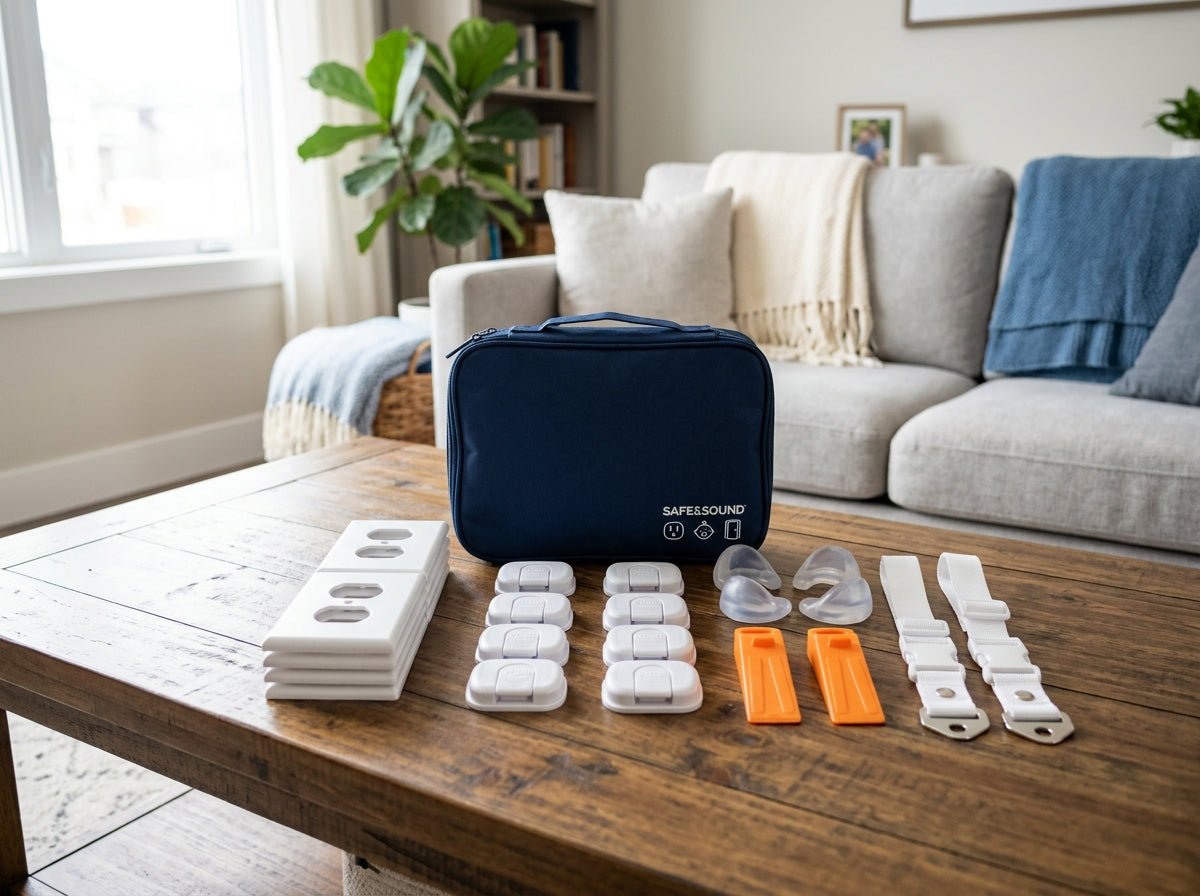
Most straps are made of nylon webbing or steel cable, with mounting hardware on both ends. You’ll find them marketed under names like furniture anchors, anti-tip straps, or TV safety straps, regardless they all serve the same function. The IKEA PATRULL strap is one of the most commonly used options and costs around $5. Other brands like Safety 1st and Quakehold make versions that run $8 to $15 and often include hardware for drywall, stud, or furniture mounting.
The strap needs tension to work. A loose strap with six inches of slack will not stop a rapid tip-over. When you finish installation, the strap should be taut, not so tight that it’s pulling the TV backward, but with no visible droop.
-
Find Your Wall Stud
Run a stud finder across the wall behind the TV. Mark the stud with a pencil. Studs are typically spaced 16 inches on center. -
Position the TV
Place the TV exactly where it will live. The strap needs a reasonably straight line between the TV bracket and the wall bracket. -
Attach the Wall Bracket
Drill a pilot hole into the center of the stud. Drive the screw until the bracket sits flush. Snug, not stripped. -
Attach the TV Bracket
Use the VESA screw holes on the TV’s back panel. -
Connect the Strap and Set Tension
Run the strap between both brackets and adjust until taut. Confirm the strap is not twisted, which reduces rated load capacity. -
Test It
Apply forward pressure to the top of the TV. You should feel the strap engage within one inch of movement. Adjust if needed.


How to Install a TV Safety Strap: Step by Step
Before you start, gather what tools you need: the strap kit, a stud finder, a drill, the correct drill bit for your wall anchors, and a screwdriver. The whole job takes about fifteen minutes if you find your studs quickly.
What to Do When You Can’t Hit a Stud
Apartments, plaster walls, and awkward TV placements sometimes make stud anchoring difficult. You still have a few workable options.
The most reliable alternative is to anchor the TV to the furniture it sits on, and then anchor the furniture to the wall stud. This creates a secure chain: TV to stand, stand to wall. It works well as long as the furniture itself is solid, particleboard furniture with stripped screw holes is not a reliable anchor point.
If you genuinely cannot reach a stud, use a heavy-duty toggle bolt rated for the load you’re placing on it. Standard drywall anchors are not sufficient. Toggle bolts expand behind the drywall and distribute load across a wider surface area. Check the weight rating on the package and make sure it exceeds the weight of your TV by a meaningful safety margin (at least several times the TV’s weight).
Some parents in rental situations use furniture anchor straps that attach to a door frame or a heavy piece of furniture on the opposite wall. This is a workaround, not a best practice, but a properly tensioned strap to a solid door frame is still significantly safer than no anchoring at all.
Six-Month Anchor Inspection
Checking Your Work Over Time
Installation isn’t a one-time task. You have to do a full check of every anchor in your house every six months. I put it on the calendar the same way I change smoke detector batteries. Straps can loosen. Screws can back out slightly as walls settle. Kids grow, and a five-year-old can apply a lot more force than a two-year-old.
Check the tension on each strap by hand. Look at the wall bracket to confirm the screw hasn’t worked loose. Look at the TV bracket to make sure the connection to the TV back panel is still tight. The whole inspection takes about two minutes per TV.
And check the furniture itself. My younger daughter once emptied the entire under-sink cabinet in the time it took me to answer the front door, she’s thorough. A child who can empty a cabinet can also climb a dresser. If the dresser drawers open smoothly and the furniture sits on a hard floor, add furniture feet or non-slip pads to reduce slide risk, and anchor it separately from the TV.
The Bigger Picture
Anti-tip straps are one part of a broader anchoring habit. The CPSC recommends anchoring all top-heavy furniture, bookshelves, dressers, filing cabinets, not just TVs. The same basic fifteen-minute installation process applies. The same stud-finding, same tension-checking, same six-month review.
The $8 strap is not the hard part. The hard part is doing it before something happens rather than after. Tip-over injuries happen fast, the CPSC notes that many occur when a caregiver is present, just briefly out of direct sight. There is no reliable way to supervise your way out of this risk. Anchoring is the only intervention that actually works.
If you have a TV on a stand in any room a child can access, stop reading and go install the strap. The rest of the childproofing can wait. This one cannot.